Merged Chat, Cameras, Overlays & Multistreaming

Use our tools in OBS — or run it all in the free StreamUps Studio app.

No credit card required.

Everything You Need to Go Live

  • Works with OBS & any browser source
  • Merged live chats in one panel & overlay
  • Twitch, Kick, YouTube, TikTok, Rumble & more
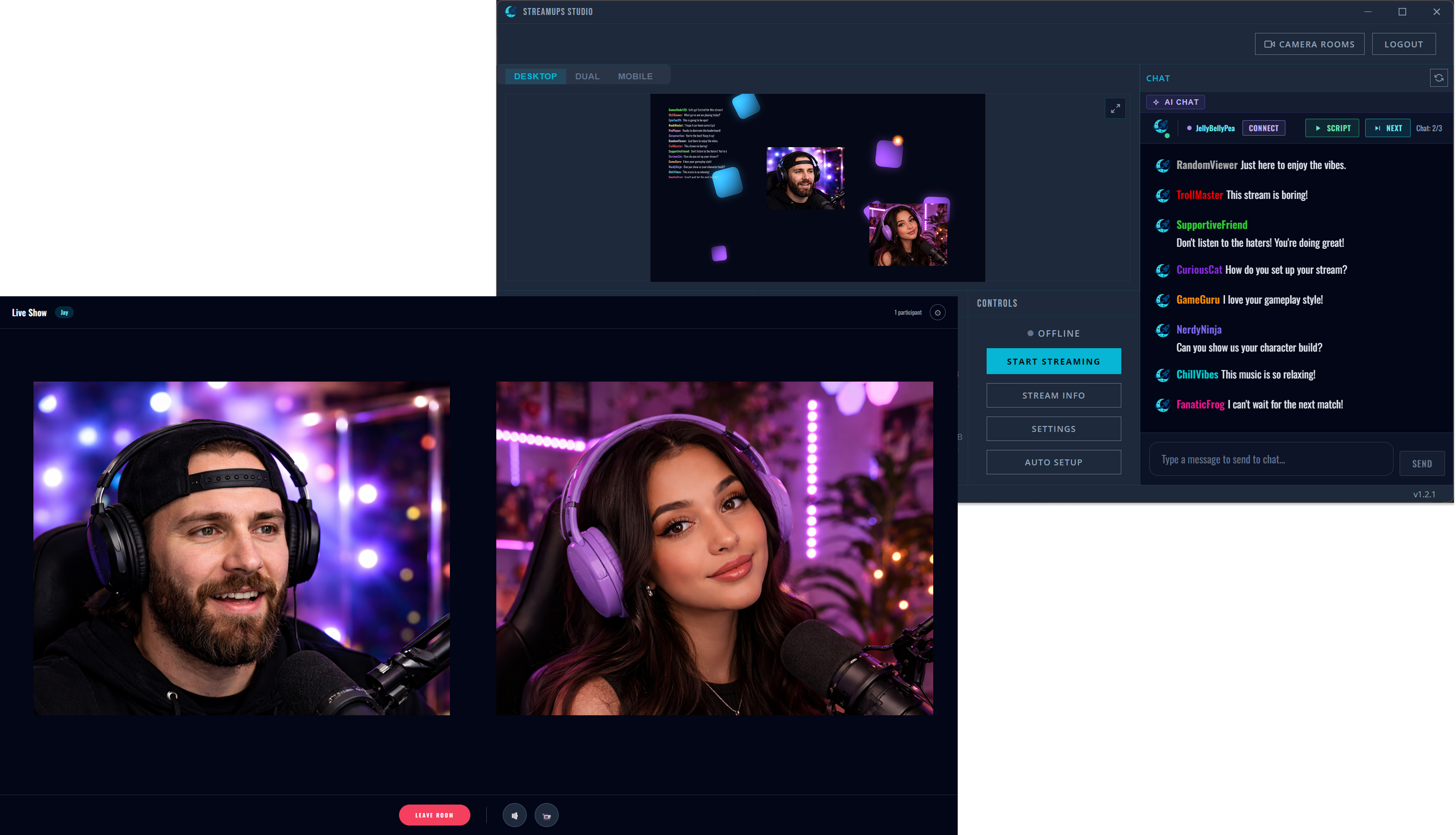
  • Multi-cam co-streaming with guests
  • Free multistreaming, no watermark
  • AI auto social media clips
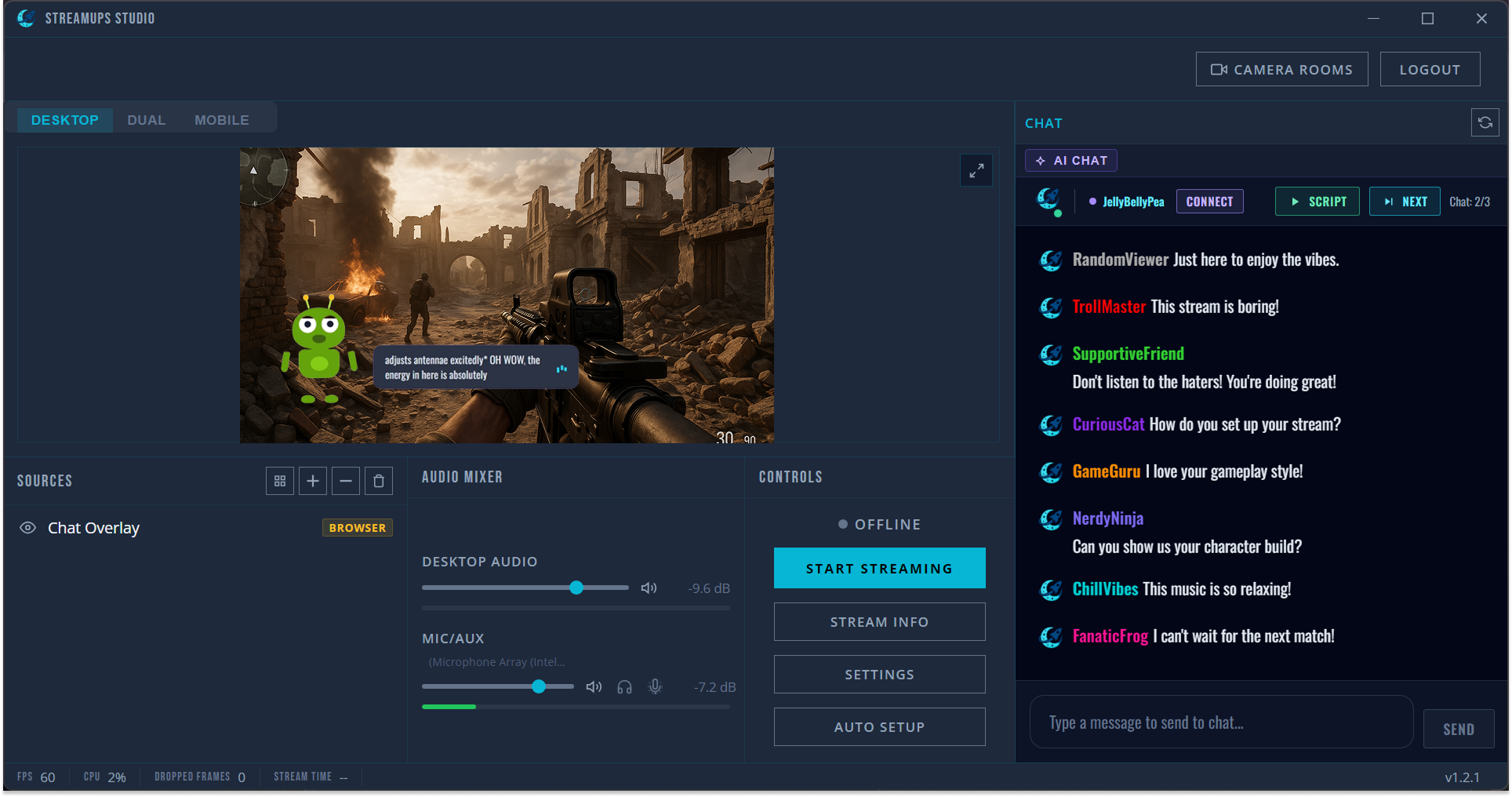
  • AI chat companion
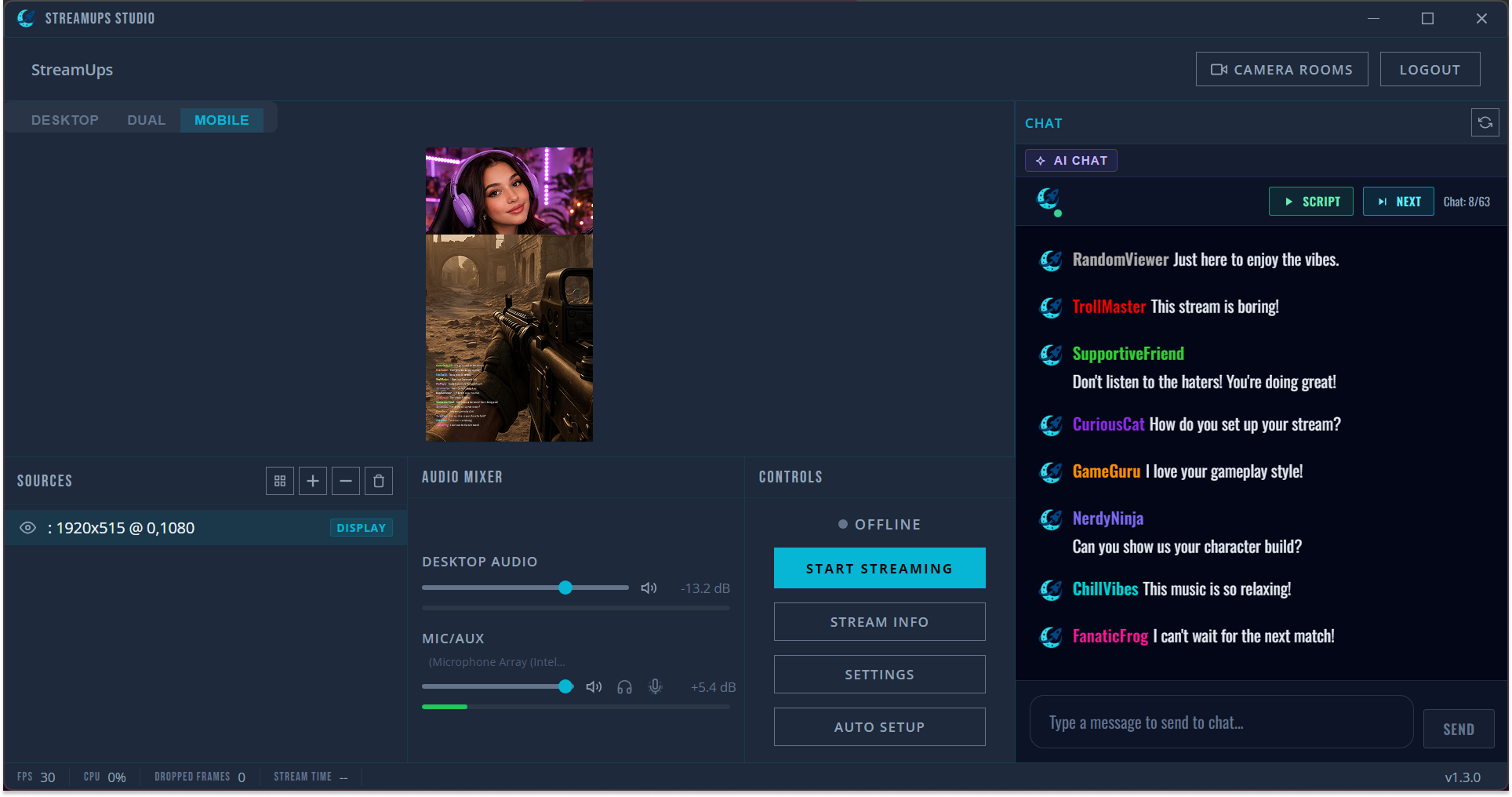
  • Desktop & vertical mobile streaming
  • Cloud recording
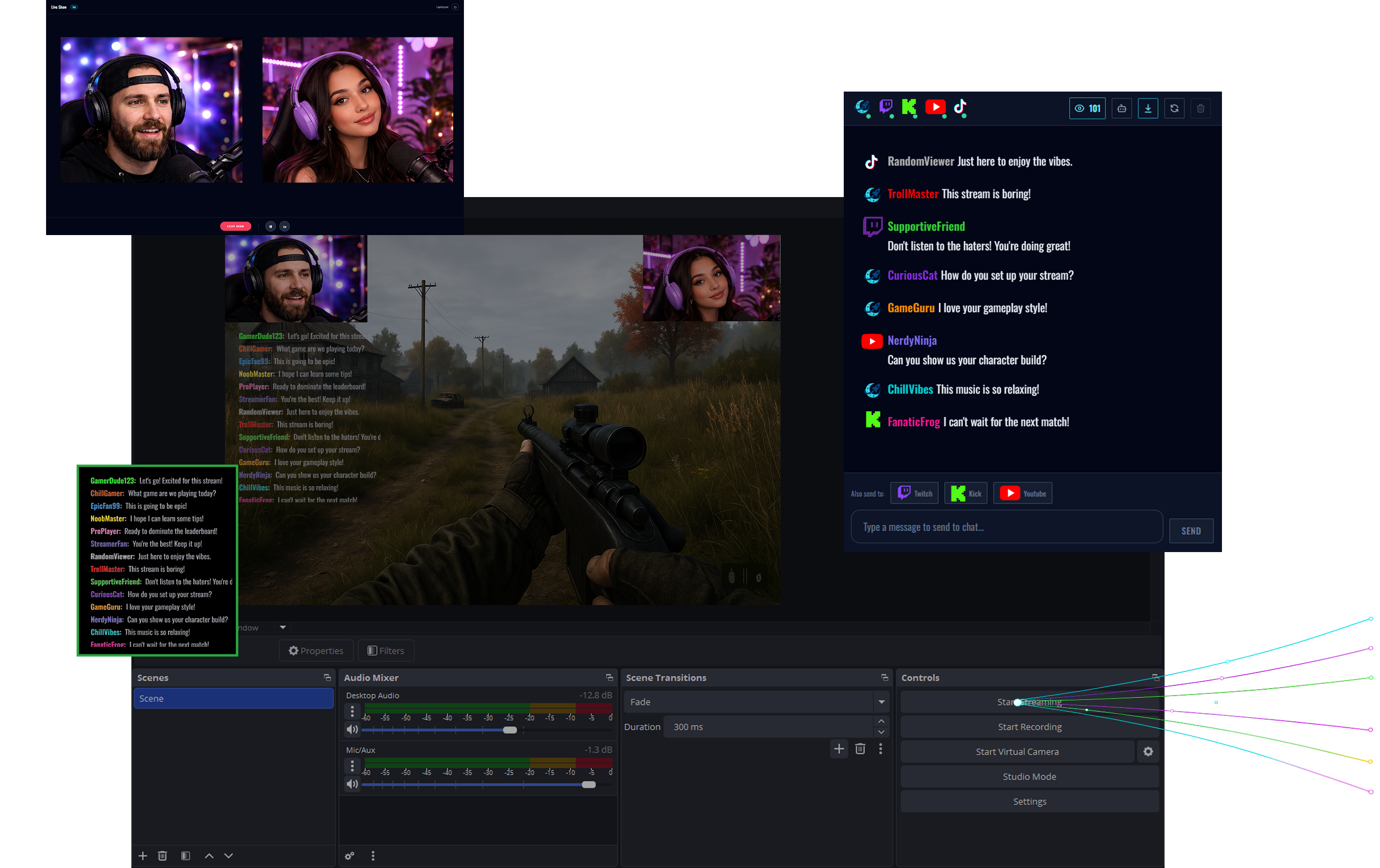
StreamUps merged chat panel, chat overlay, dual co-stream cameras and multistreaming set up inside OBS

Merged Chat Panel

Read every platform's chat in one panel — Twitch, YouTube, Kick, TikTok and Rumble — and reply to Twitch, YouTube and Kick without leaving OBS. Live viewer counts and activity from every platform, too.

Merge Twitch & Kick chat →

Merged Chat Overlay

Show every platform's chat on stream with one browser source URL. Styled, badged, watermark-free.

Merged chat overlay for OBS →

Dual Co-Stream Cameras

Drop your guest's camera into your scene alongside yours. Two POVs, one overlay, instant switching.

Multi-camera streaming →

Multistreaming

Send one RTMP stream from OBS and we restream it to every platform at once. Free, no watermark.

Multistream to Twitch, YouTube & Kick →

Prefer Everything in One App?

StreamUps Studio Runs It All — No OBS Needed

Our free desktop app is the beginner-friendly way to get merged chat, overlays, co-streaming and multistreaming out of the box. Pick your streaming style:

Everything You Need. One App.

StreamUps Studio gives solo streamers a complete toolkit — go live in minutes, not hours.
Auto Setup
Merged Chats
AI Companion
Chat Overlays
MultiStreaming
No Watermark
Free Cloud Recording
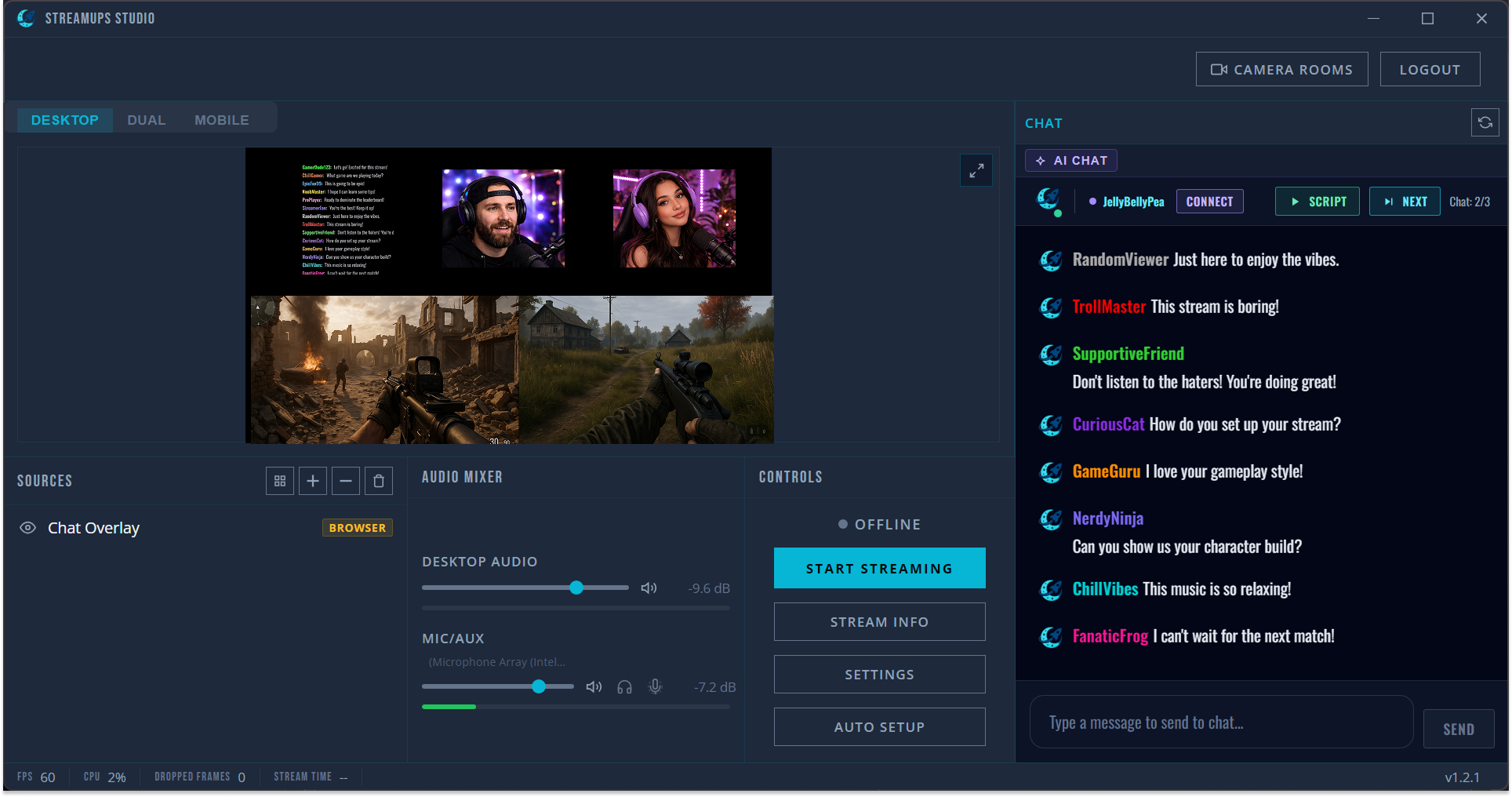
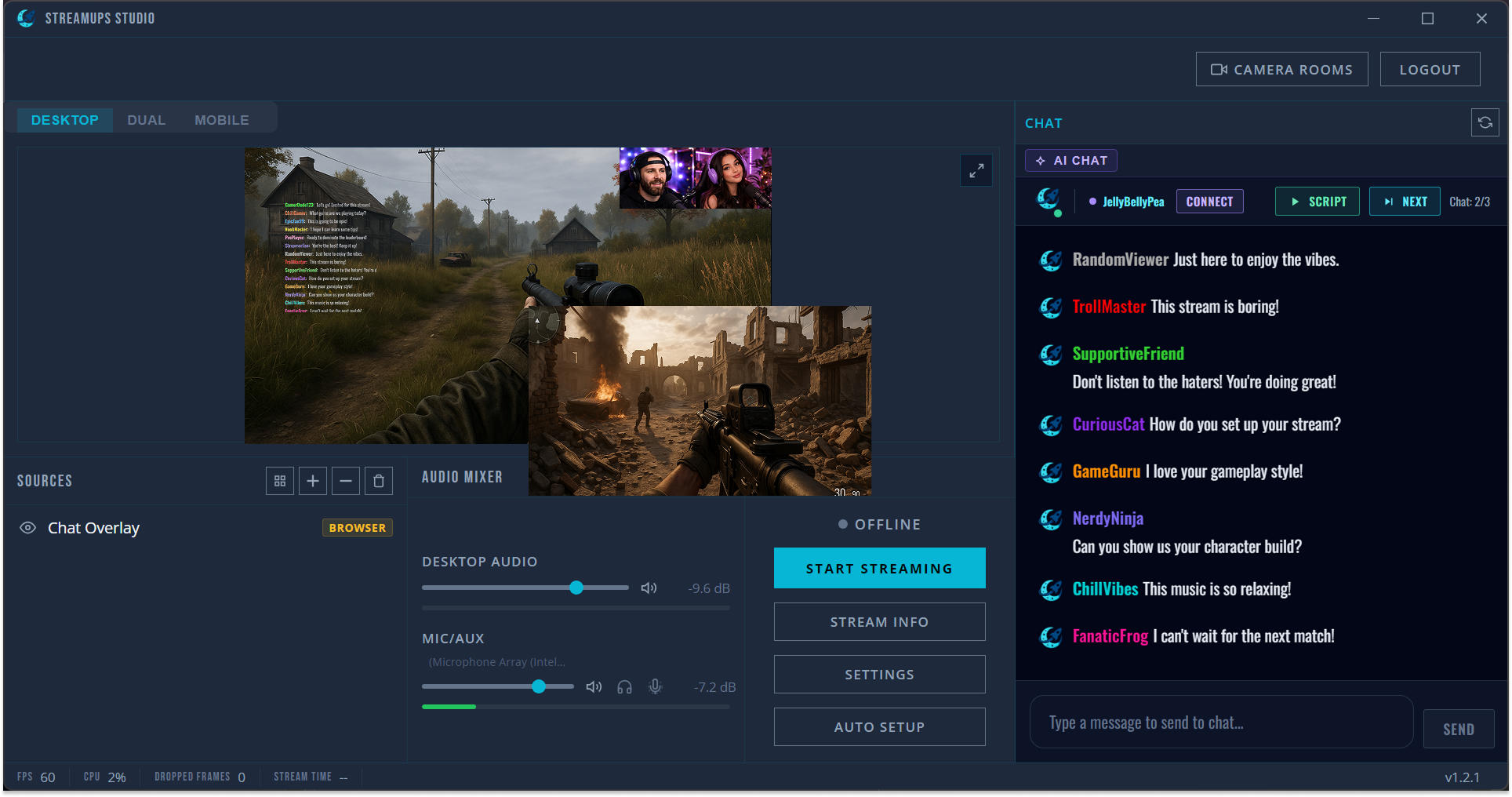
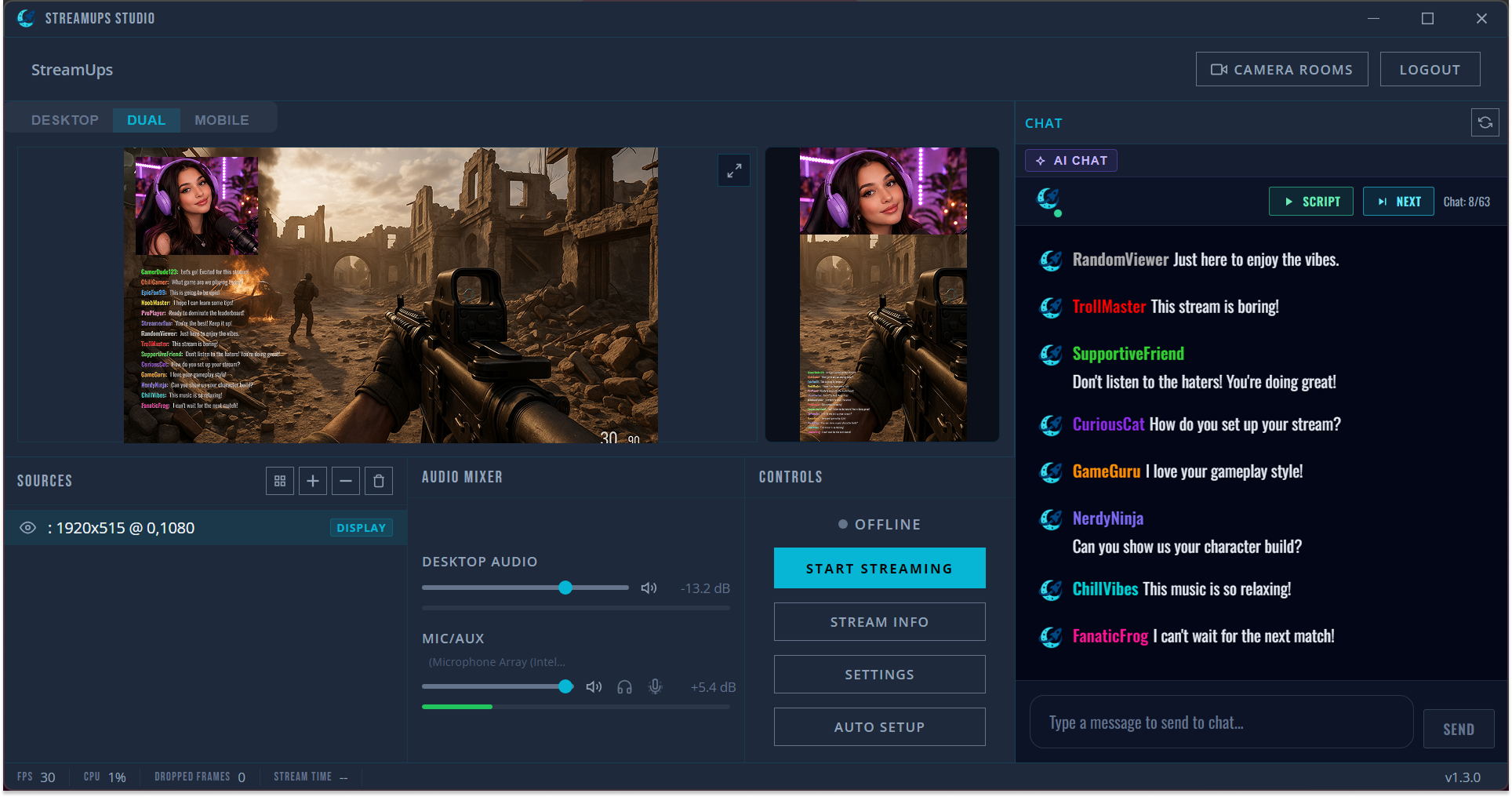
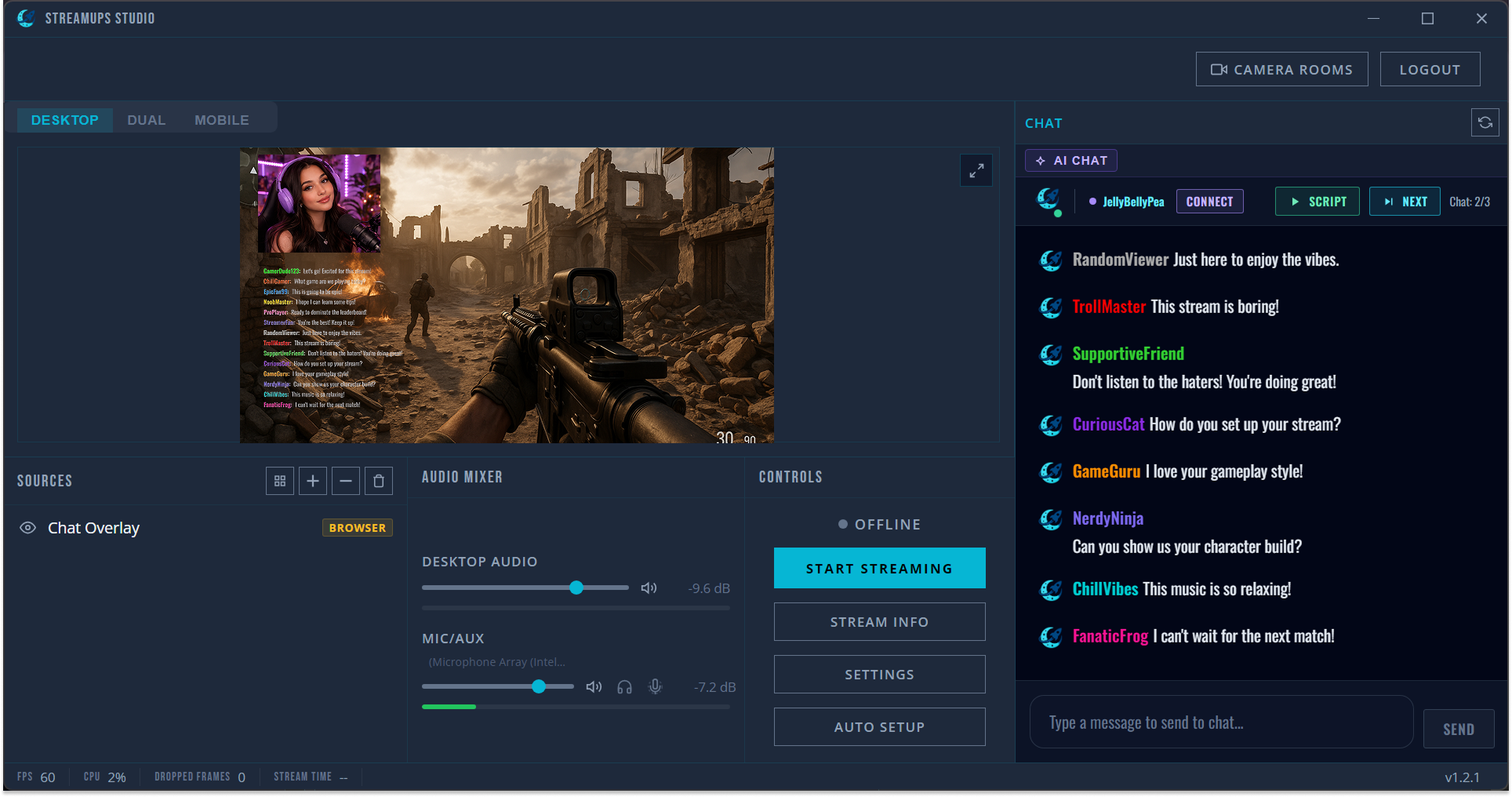
StreamUps Studio interface showing game scene, webcam, chat panel, and audio mixer
Setup

Hit One Button. You're Live.

Studio auto-detects your mic, camera, and GPU, then picks the best encoding settings. No scenes to configure, no sources to drag around.

Auto-setup detects your hardware and optimises settings
One-click overlays — go live in minutes
Works standalone or alongside OBS
All platform chats merged into one panel
AI companion keeps conversation flowing in quiet moments
Add chat as a clean overlay — no platform logos
Unified Chat

Every Chat. One Panel. Zero Tab-Switching.

Twitch, Kick, YouTube and more — messages merge into a single feed. Reply from one place — responses route back to the right platform.

Multistream

One Stream. Every Platform. No Strings.

Go live on multiple platforms simultaneously via cloud relay. Your PC stays cool — we handle the heavy lifting.

Stream without a watermark — for free

Zero quality loss with server-side rebroadcast

Unlimited streaming hours on all plans

After the Stream

AI Auto Clipping

Wake Up to Social-Ready Clips

AI watches your stream, listens to audio and chat, then generates short-form clips with suggested titles — ready to post the moment you finish.

AI generated social-ready clip
Social-ready clip

Social-Ready Clips, Instantly

AI creates vertical 9:16 clips optimised for TikTok, Instagram Reels, and YouTube Shorts — complete with eye-catching moments pulled from your stream.

AI suggested titles

AI-Generated Titles & Suggestions

Our AI listens to your stream audio and monitors chat reactions to suggest clip titles that capture what made each moment special.

AI suggested clips with titles from audio and chat analysis
Full 16:9 clip ready for download or editing
Full resolution download

Full Resolution Downloads

Every AI clip also comes in a full 16:9 version. Download it, edit it further in the studio, or upload it straight to YouTube.

1
1

Stream as Normal

AI runs in the background, analysing audio peaks, chat activity, and engagement spikes to find highlight moments.

2
2

Review AI Clips

After your stream, find suggested clips with AI-generated titles based on what was said and what chat was reacting to.

3
3

Post to Socials

One-click export in 9:16 for TikTok, Shorts, and Reels, or 16:9 for YouTube. Post directly from StreamUps.

Upload Past Streams

Got Old Streams? Upload Them

Don't let past content go to waste. Upload previous stream recordings and let AI generate clips or edit them yourself in the studio.

Upload any past stream recording — MP4, MOV, or WebM — and AI will analyse it for highlight moments just like a live stream.
Generate social-ready 9:16 clips with AI-suggested titles, or jump into the editor to create your own cuts.
Perfect for repurposing old content. Turn a single stream into weeks of social media posts.
Studio Editor
StreamUps browser-based studio editor interface

Clip, Edit, Export — In Your Browser

A full editing suite for your stream recordings. No downloads. No timeline wrestling.

YouTube-Ready in 2K

Export 16:9 videos in up to 2K resolution. Trim, cut, and arrange clips from your stream recordings for polished YouTube uploads.

Vertical Clips for Socials

Crop to 9:16 with a single click. Perfect for TikTok, Instagram Reels, and YouTube Shorts.

Explore the StreamUps Toolkit

Dive into the features behind free AI multistream software — every product page, alternative comparison and free streamer tool, one click away.